
Who this is for
2nd–4th year CSE students
For TPOs and HODs who want more than a seminar: every student builds and runs a real Android app with AI on the day, and leaves with a project to show in placement interviews. Certificates for full attendance; syllabus and attendance records for the 30-hour course.
Developers adopting AI coding
For teams that want developers productive with AI coding tools within a week, on real workflows, instead of months of experimenting.
From “heard of it” to “shipped with it”
Recruiters and managers now expect people who can work with AI tools, but most only watch tutorials. Building one real app end to end, with an expert in the room, closes that gap.
Why teams book this
Everyone has the AI tools. Few teams ship faster.
Most developers use AI for snippets. This workshop teaches the full loop: plan, build, test, review and release, with AI doing the heavy lifting.
Taught by someone who ships with it
I use these tools every day on my own live apps, so you learn what works in real projects, not slides.
Safe by default
Reviewing AI code, keeping secrets out of prompts and repos, tests as guardrails, and when not to trust the output.
What your team does
Build with AI
- Set up an AI coding tool on a real project
- Turn a feature request into a plan the AI can follow
- Build the feature end to end, with tests
- Read, question and fix AI-written code
Ship it
- Code review and refactoring with AI
- Debugging real crashes and failing tests
- Release builds and store publishing (Android)
- Team rules: secrets, branches, PRs, what AI must never do alone
Working results
- A feature built during the session
- A one-page AI coding playbook for your team
- Prompt and workflow templates
- 30 days of WhatsApp follow-up questions
Android/Kotlin by default. We can use a sample app or, with your approval, your own codebase. The plan is adapted to your stack before the session.
Formats and pricing
For colleges
Up to 60 students. Each student builds a working Android app with AI in one day.
Up to 60 students. Build, test and publish-ready: day 2 covers fixing what the AI gets wrong, polishing and preparing the app for Google Play.
5 days, up to 60 students. A structured 30-hour course with syllabus, attendance, assessment and certificates, ready for your value-added course records.
Minimum 50 students. Students register and pay directly; the college only provides the hall, lab and projector. No college budget needed.
For dev teams
Up to 25 developers. Onsite in Chennai or live online.
Build and ship. Up to 25 developers.
Prices exclude GST. Travel outside Chennai at cost. Best booked for the January to March semester. Exact quote after a 15-minute call.
Your trainer
K P Ranjith Kumar — Founder, TechManifester
Former Google Certified Associate Android Developer. Builds and publishes his own apps with AI coding tools, for example Glacifier, an AI journal live on Google Play, with an iOS version built from the same codebase.
B.E. Electronics & Instrumentation, M. Kumarasamy College of Engineering. Earlier corporate work also included Vodafone India, TCS iON and Sify.
Live apps on Google Play: Glacifier · Friendy · TimeFlow · Contacts Adventure
Trained teams and students at

















Also KPIT. Selected engagements were delivered through training vendors or program partners.
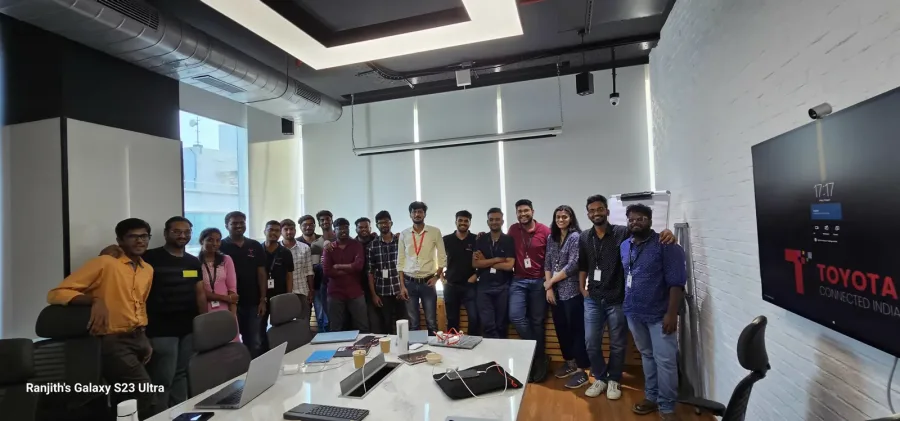
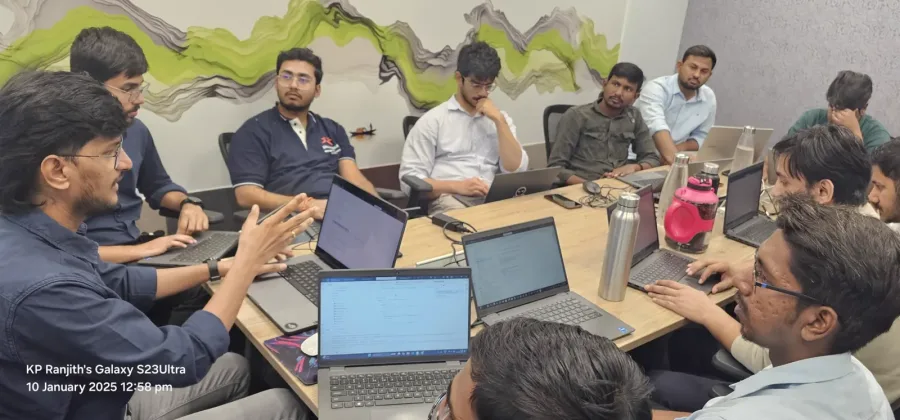
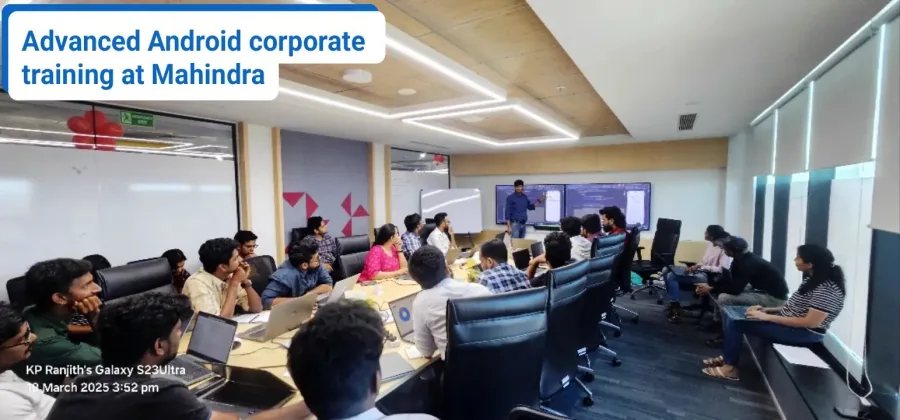
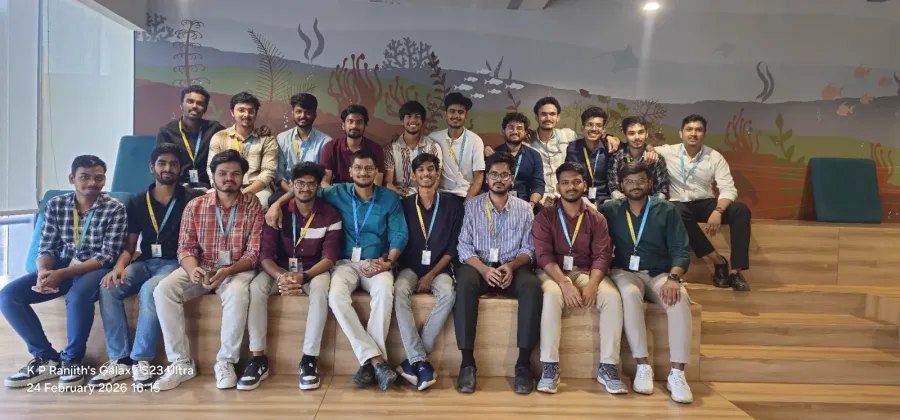
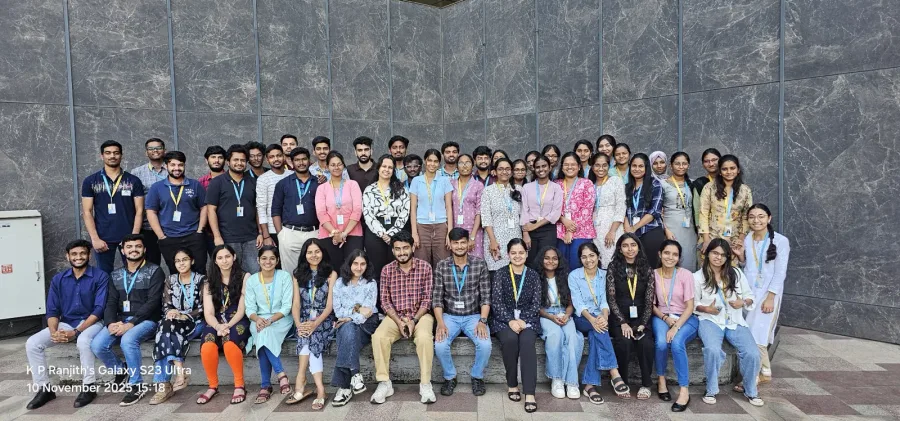
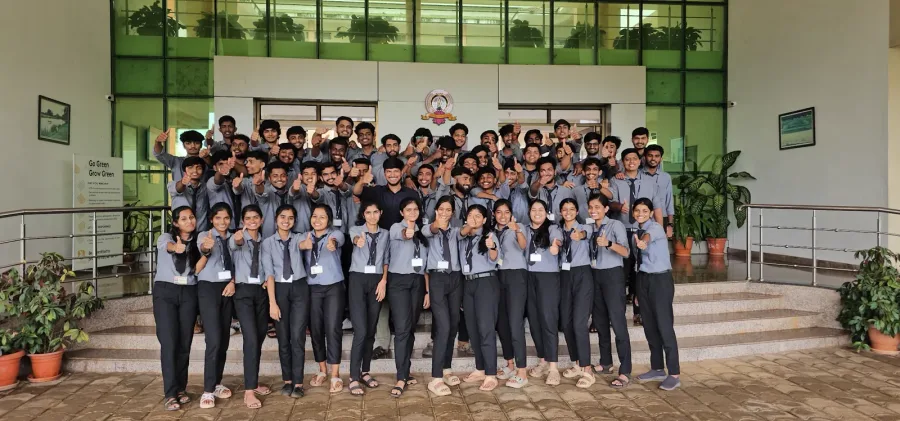
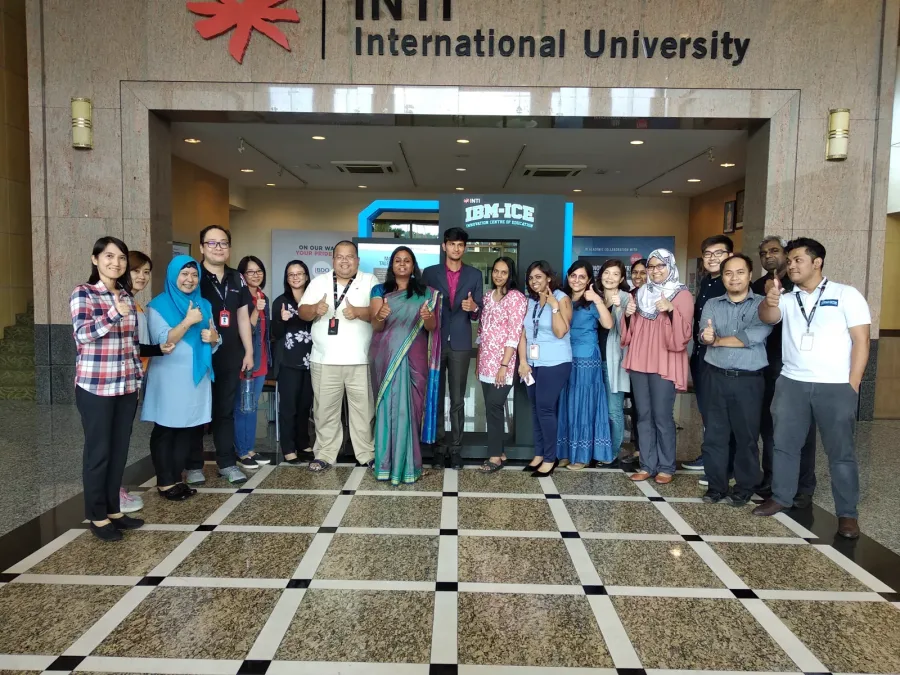
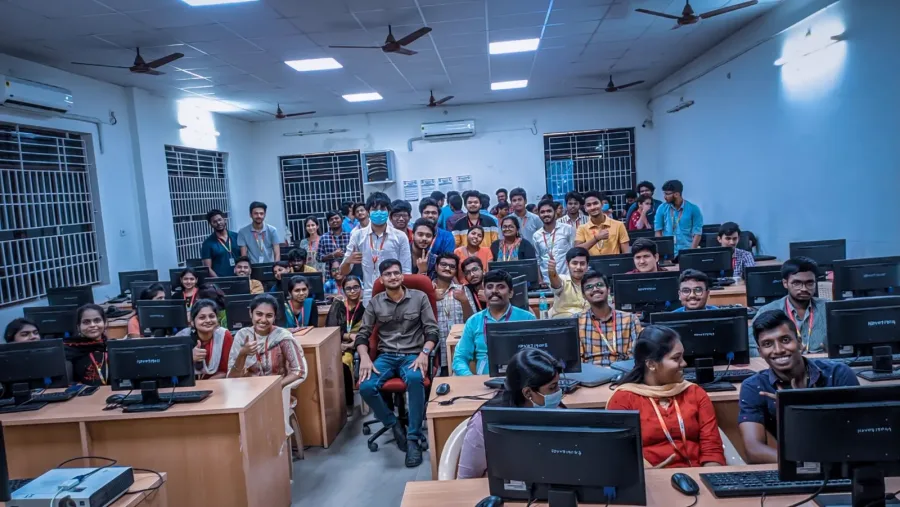
Real classrooms, real teams
What participants and managers say
“Ranjith has good knowledge and delivery skills. His approach is in-depth oriented and he has excellent crowd-management skills.”
Nanditha Shetty · Manager, MobiGnosis
“His feedback from trainees was always excellent. He engaged learners well, gave several exercises and coached them individually.”
Swapnil Pande · Senior Programme Manager, L&D
“A skilled Android developer and an excellent teacher who explains concepts clearly and understandably.”
Jyothish Kumar A · Data Analyst
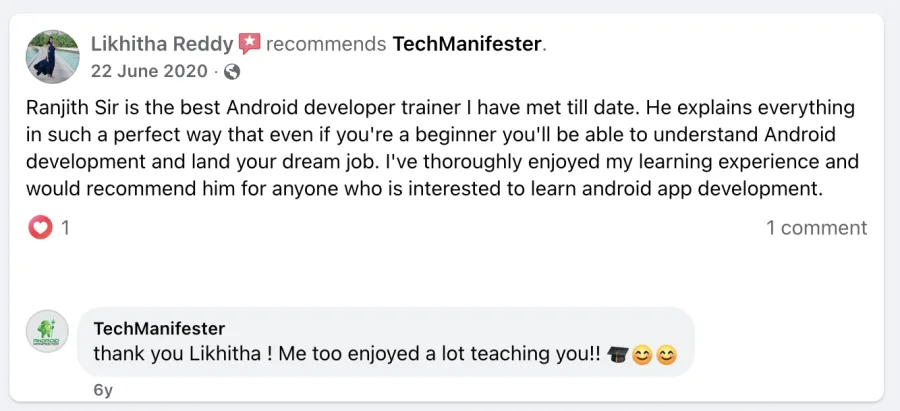
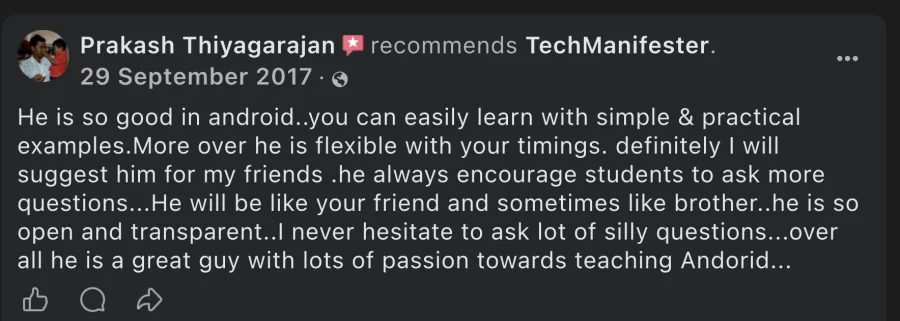
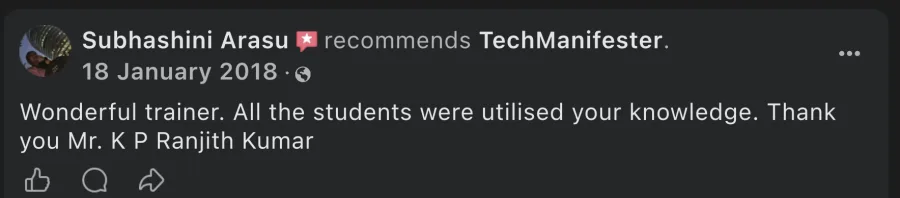
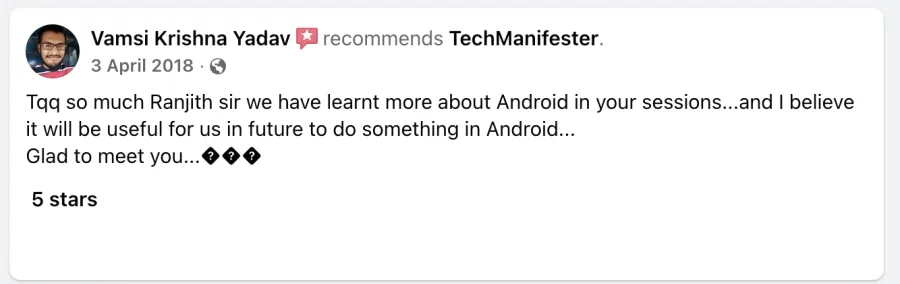
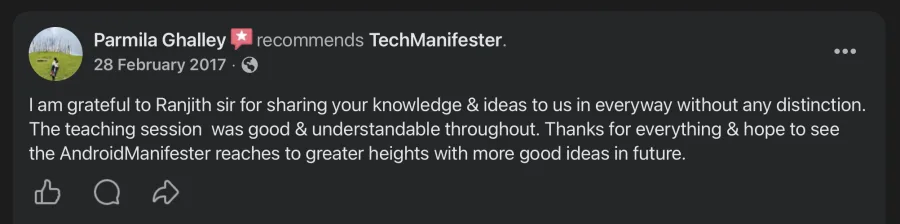
Rated 4.9 on Google from 190+ reviews, and 4.9/5 from 34 UrbanPro reviews. Recent Facebook recommendations:
How an engagement works
A short call about participants, your stack and the outcome you need.
A focused plan shaped to the team's level and real workflows, not a generic syllabus.
Clear explanation, live building and guided hands-on labs, by Ranjith himself.
Exercises, feedback and follow-up so the skill is used after the session.
Delivery formats
- Live online: remote, with live labs and direct interaction
- Onsite: at your office or campus
- Hybrid: a mix for distributed or phased cohorts
Included
- Needs consultation and curriculum alignment
- Setup guidance before the day
- Hands-on labs and progress review
- Follow-up resources and questions
Other programs
- Modern Android Engineering (Kotlin, architecture)
- Flutter Engineering
- AI for Developers
- Custom enterprise upskilling
Frequently asked questions
Do my developers need AI experience?
No. Basic programming experience is enough. We start from setup and build up to shipping a full feature with AI.
Which AI tools do you use?
Mainly Claude Code, and the same habits apply to tools your team may already have, like Cursor or GitHub Copilot. We agree the tools before the session.
Can you use our own codebase?
Yes, with your approval and your security rules. Otherwise we use a realistic sample app so nothing confidential is involved.
Is it hands-on?
Yes. Most of the time is spent building, with explanation, live implementation, guided exercises and feedback.
Can the training be customised?
Yes. Depth, pace and examples are aligned to your team's experience, stack and goals after a short needs call.
What do you need from us?
A lab or hall with internet, a projector, and laptops or lab systems that can run Android Studio. We send a setup checklist a week before, so the day starts with building, not installing.
Do students have to buy an AI subscription?
No purchase is needed to book. We agree the AI tool and how students get access on the planning call, and the setup checklist covers it step by step.
Which college format should we pick?
The 1-day workshop is the easiest start. Pick 2 days if you want students to finish a publish-ready app, the 30-hour course if you need a value-added course with assessment, or the student-paid option if there is no department budget this semester.
How does the student-paid option work?
We share a registration link; each student pays ₹500 per day directly to TechManifester with a GST invoice. The session runs once at least 50 students have registered. The college provides the venue and helps announce it.
Do colleges get a certificate?
Yes. Participants who attend the full session receive a participation certificate from TechManifester.
Book a 15-minute call
Colleges: tell me the year, number of students and preferred dates. Teams: tell me your size, stack and goal. You get a tailored plan and a fixed quote within a day. January to March dates fill first.