📱
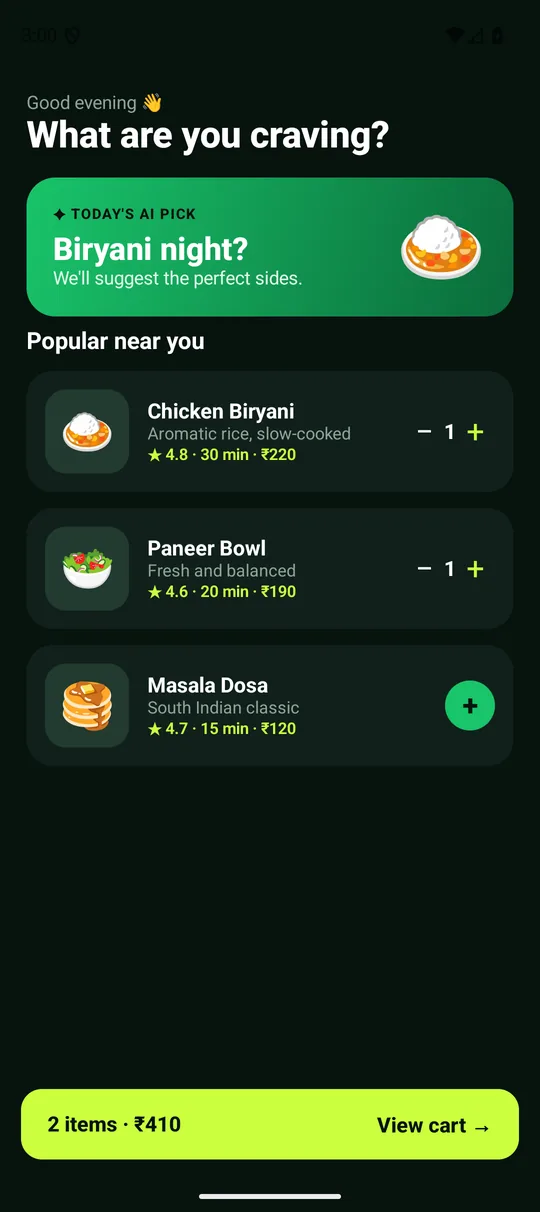
A complete working Android app
Build screens, menus, a cart and the flow between them with Kotlin and Jetpack Compose.
Build a complete app with menus, a cart and an AI feature—live on your laptop, step by step, with me. Leave knowing how to turn your own idea into an Android app.
₹199 total · Live 3-hour workshop · No-questions-asked refund

Trained teams and students at
















Invited back for repeat batches: Sify · TCS iON · Vellammal Engineering College · Enhance Technologies
Also: KPIT · Sapient · Flytxt · Power Grid · Spandana Sphoorty · SDM College · IIT Tirupati · and 100+ colleges and companies
Selected engagements were delivered through training vendors or program partners. Meta: Jetpack Compose course content prepared for Coursera.
Follow one focused build from the first Compose screen to a useful AI-powered experience.
Build screens, menus, a cart and the flow between them with Kotlin and Jetpack Compose.
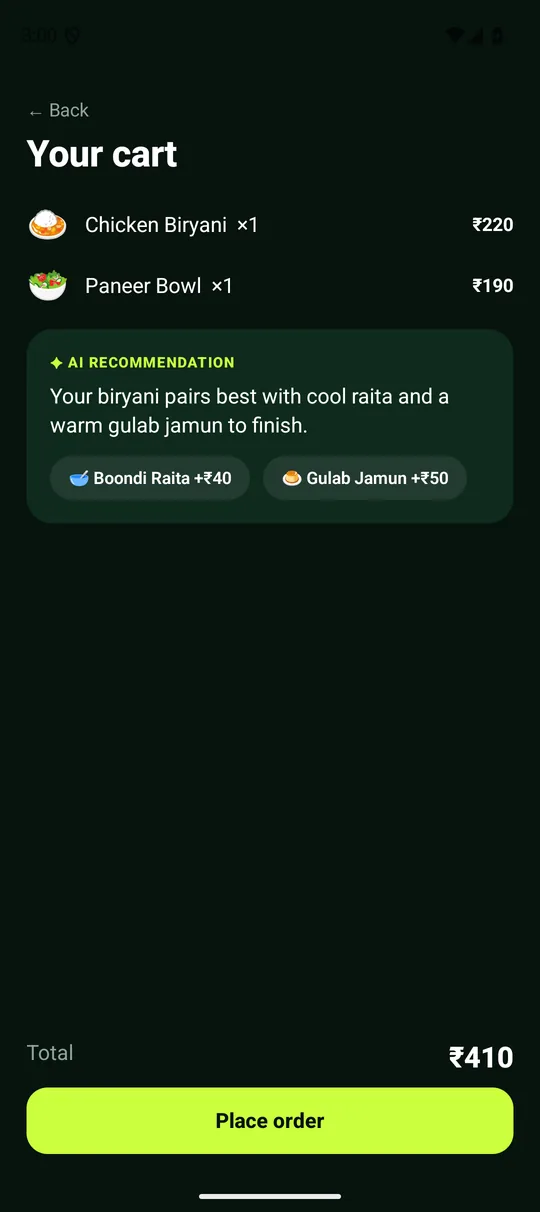
Connect an AI model and turn what users do in the app into a smart recommendation.
See exactly how an app is built, so you know what to do next to build yours.
Use one Sunday morning to move from watching tutorials to building something you can run and explain.
100% no-questions-asked refund: not happy, even after attending? Email ranjith@techmanifester.in and get your ₹199 back. Miss the live session? The recording is included.
Taught by K P Ranjith Kumar: 12+ years in Android training, 15,000+ learners, 4.9/5 from 34 UrbanPro reviews.
Confirmation and reminders come by email. Optional next step: join the participant WhatsApp group for setup help.
Then: live Q&A, and a look at what to learn next if you want to go deeper.

Founder of TechManifester and a former Google Certified Associate Android Developer, with a teaching approach built around practical exercises and individual support.
Selected engagements were delivered through training vendors or program partners.
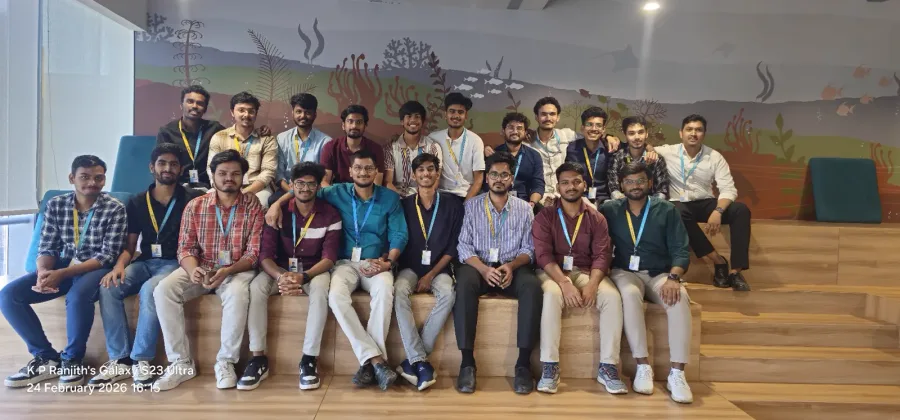
A few of the live programs Ranjith has taught, from company teams to university cohorts.
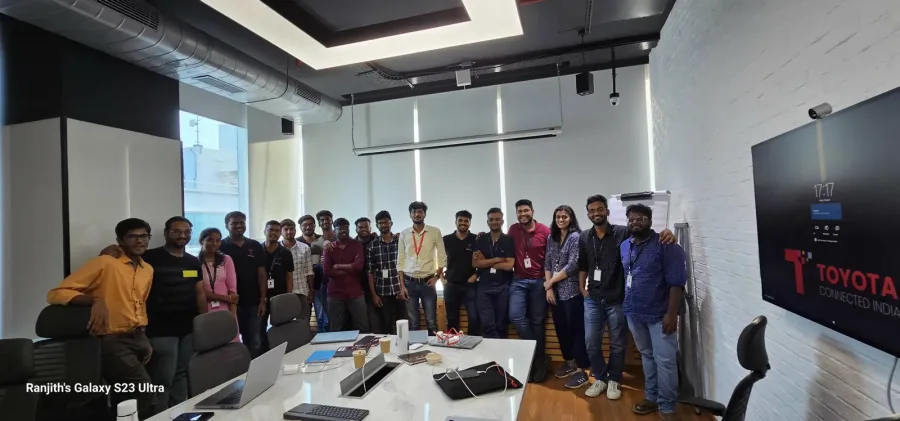
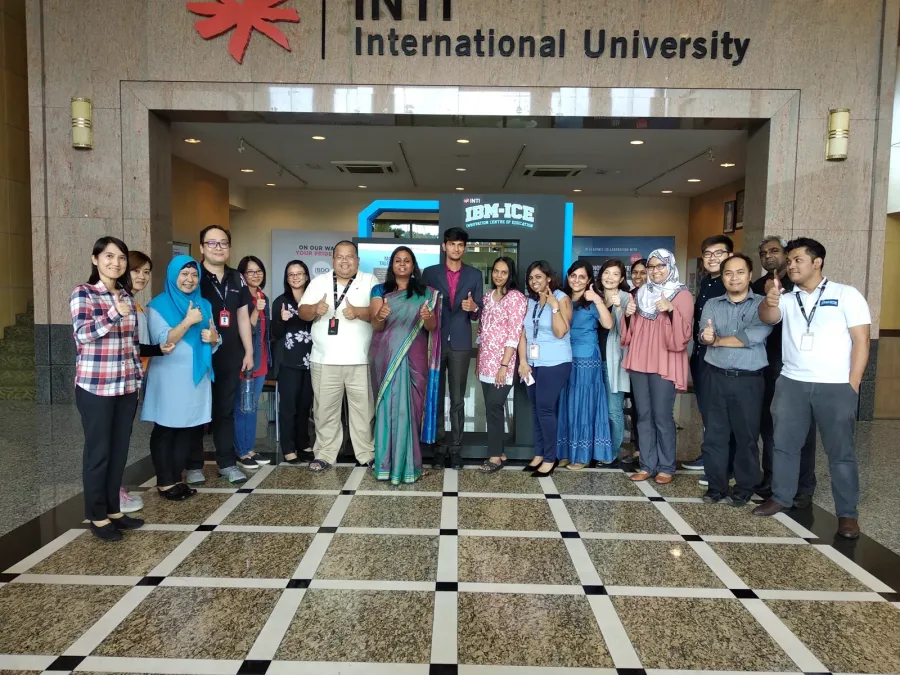
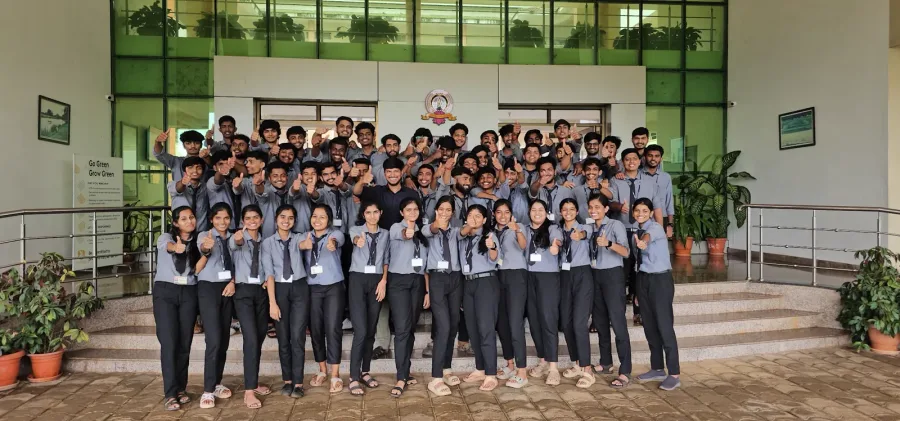
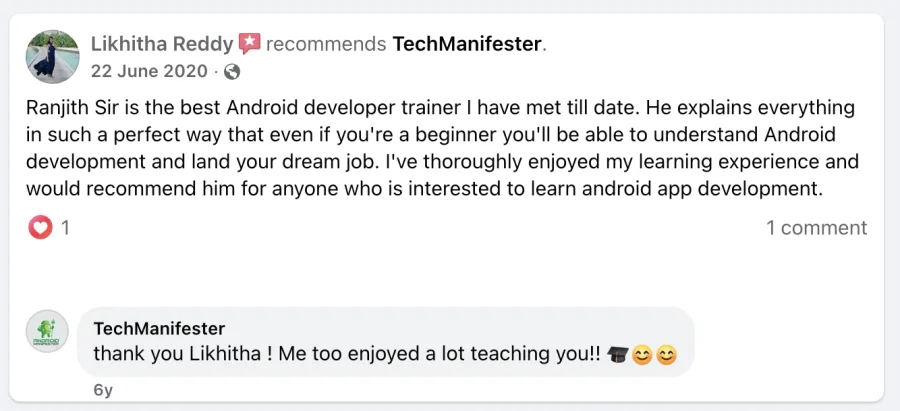
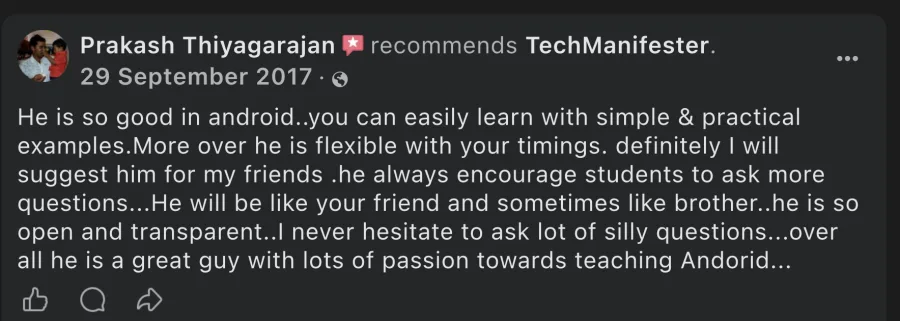
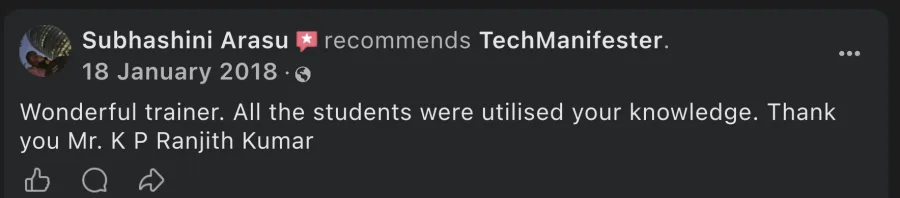
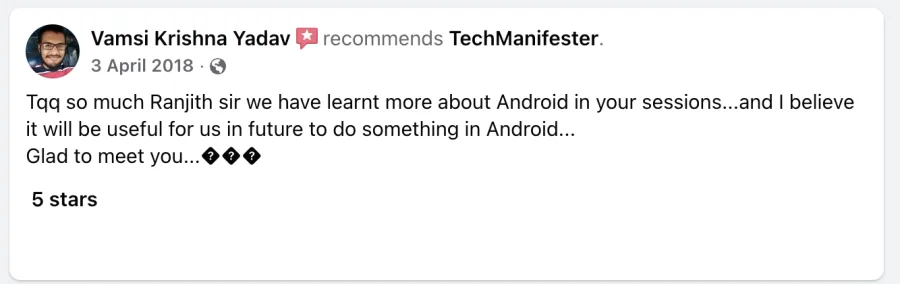
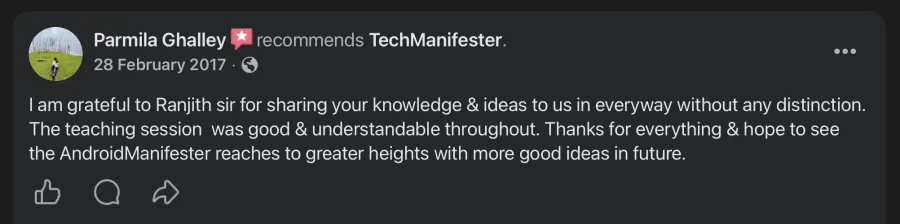
Feedback from learners and training stakeholders across Ranjith’s Android programs.
“Ranjith has good knowledge and delivery skills. His approach is in-depth oriented and he has excellent crowd-management skills.”
Nanditha Shetty“His feedback from trainees was always excellent. He engaged learners well, gave several exercises and coached them individually.”
Swapnil Pande“A skilled Android developer and an excellent teacher who explains concepts clearly and understandably.”
Jyothish Kumar AVerified rating: 4.9/5 from 34 UrbanPro reviews
Yes. You do not need any programming or Android experience. We start from a prepared starter project and build the app together, step by step, so you can focus on following along and building.
A Windows, macOS or Linux laptop that meets Android Studio’s requirements. Use a physical Android phone if your machine cannot run an emulator. Follow the setup checklist before the session.
The app sends what the user does in the app, such as the items in a cart, to an AI model and shows a smart recommendation inside the app.
Do not buy a separate subscription. The exact service and access steps needed for the workshop will be included in the setup instructions.
Yes. Your ticket includes completed source code and 30-day recording access. Participants who attend at least two hours can receive a participation certificate after attendance is verified.
This is a focused introductory live workshop and the first step in TechManifester’s training ecosystem. You still complete a practical guided project whether or not you continue further. If you want to take your own idea further afterward, there's an optional next step offered to attendees only, within 48 hours of this session — full pricing is shared live at the end of the workshop.
Attend the workshop. If you did not like it for any reason, even after the session, email ranjith@techmanifester.in and you get your full ₹199 back. No questions asked, no forms, no deadline. Miss the live session? The recording is included.
Pay ₹199 — risk-free →Three live hours on Zoom, no coding experience needed. Build along, ask questions, and finish with a working app on your phone.
Pay ₹199 — reserve my spot →Registration closes Sunday 10 AM IST
Every app below is live on Google Play, built by the same person who will teach you. This is the same process you'll follow in the workshop.